💻
💻 Technology
How to turn off Facebook notifications on any device
Facebook notifications can be disabled in the mobile app settings on both iOS and Android, via a desktop browser, or through the phone's system notification settings. Users should navigate to "Settings & Privacy," then "Notifications," and deactivate unwanted alerts. Individual notification types — such as comments, invites or messages — can also be selectively turned off.
 💻 Technology
Chrome 155 for Android Will Make Notification Prompts Less Intrusive
Android Authority · 1d ago
💻 Technology
Chrome 155 for Android Will Make Notification Prompts Less Intrusive
Android Authority · 1d ago
 💻 Technology
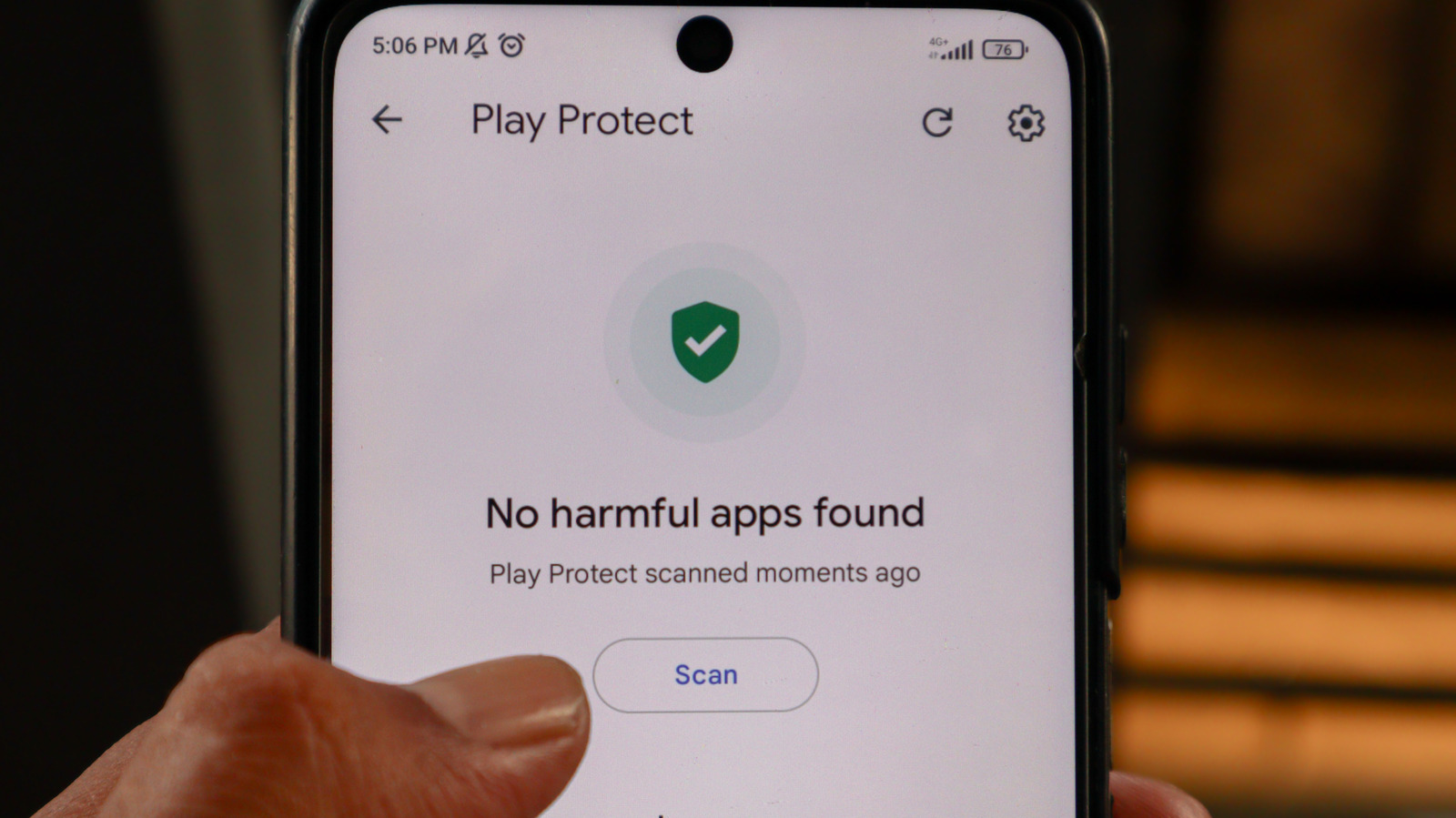
Disabling Google Play Protect on Android exposes your device to malware
Engadget · 2d ago
💻 Technology
Disabling Google Play Protect on Android exposes your device to malware
Engadget · 2d ago
 🎮 Gaming
Devolver's Poinpy returns free on iOS and Android after a year away
Polygon · 2d ago
🎮 Gaming
Devolver's Poinpy returns free on iOS and Android after a year away
Polygon · 2d ago
Comments
No comments yet
Comments
No comments yet — be the first to weigh in 👇
No comments yet. Be the first!